How to Connect Google Calendar with Lnkk.it Booking

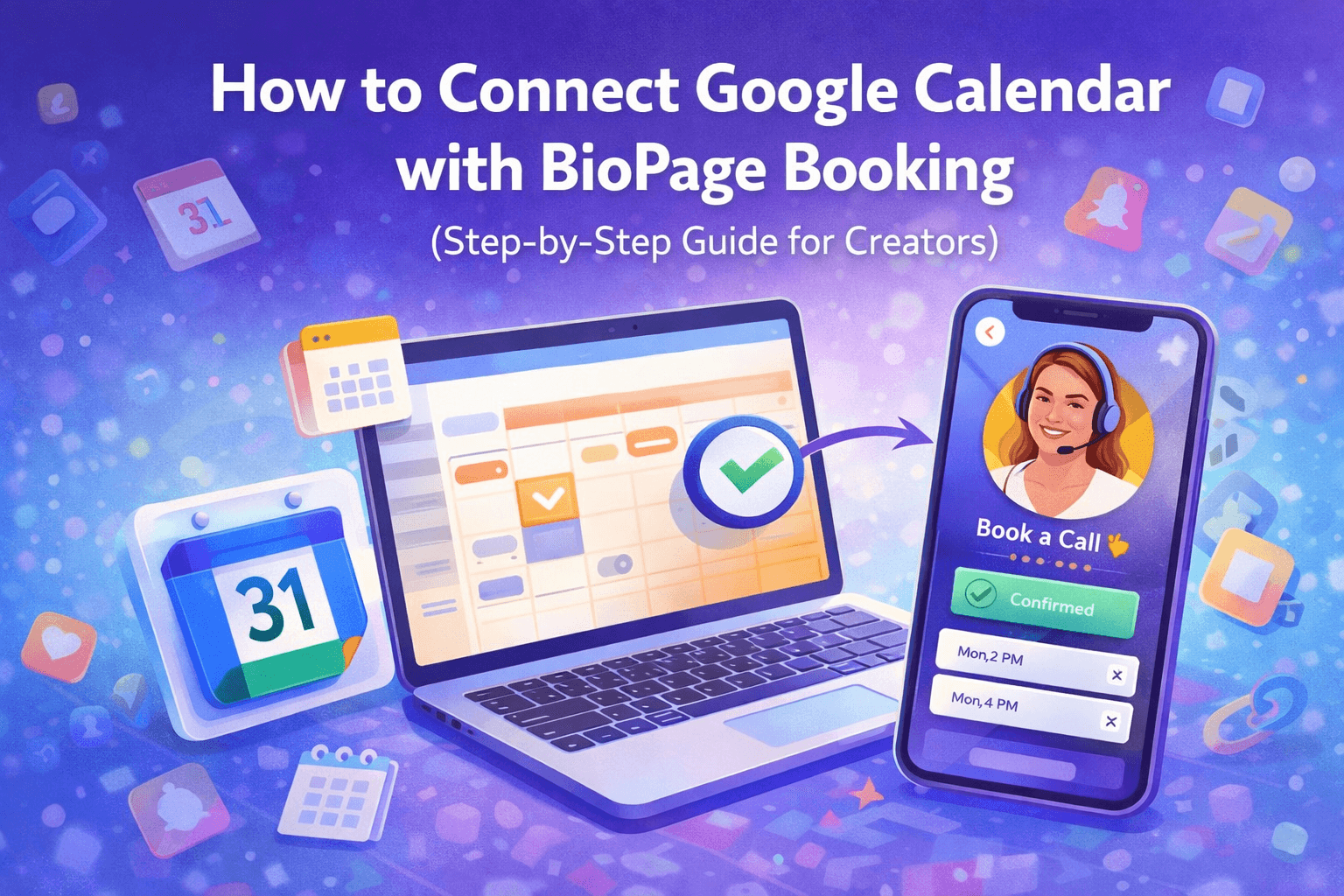
Managing bookings manually is one of the biggest time drains for creators, coaches, consultants, and professionals. Back-and-forth DMs, missed appointments, double bookings—it adds friction for both you and your audience.
That’s exactly why Lnkk.it Booking integrates directly with Google Calendar.
Once connected, your availability stays synced in real time, bookings are automated, and your audience can schedule time with you instantly—directly from your Lnkk.it.
This guide walks you through exactly how to connect Google Calendar with Lnkk.it Booking, step by step.
Why Connect Google Calendar with Lnkk.it Booking?
Before diving into the setup, here’s what you unlock:
✅ No double bookings – real-time calendar sync
⏱️ Save time – no manual scheduling or confirmations
📅 Live availability – only show slots you’re actually free
🔁 Auto updates – events appear instantly in Google Calendar
📩 Professional experience – seamless booking for clients
Whether you’re offering coaching calls, consultations, interviews, or meetings—this integration is essential.
What You Need Before You Start
Make sure you have:
A Lnkk.it account
Access to the Booking feature
A Google account with Google Calendar enabled
At least one calendar you actively use for scheduling
Step-by-Step: Connect Google Calendar to Lnkk.it Booking
Step 1: Open Your Lnkk.it Dashboard
Log in to your Lnkk.it account and head to your dashboard.
Step 2: Go to Booking Settings
From the sidebar:
Click Apps
Select Booking
Open Calendar Settings
This is where all scheduling and availability rules are managed.
Step 3: Connect Google Calendar
Click “Connect Google Calendar”.
Choose the Google account you want to sync
Grant Lnkk.it permission to:
View your calendar
Add and manage events
This allows Lnkk.it to check availability and create bookings automatically.
Step 4: Select the Calendar to Sync
If you have multiple calendars:
Choose the primary calendar you use for meetings
Or select a dedicated booking calendar
Lnkk.it will now:
Block unavailable slots
Add new bookings directly to Google Calendar
Step 5: Configure Availability Rules
Set your availability:
Working days (e.g. Mon–Fri)
Time slots (e.g. 10 AM – 6 PM)
Buffer time between meetings
Minimum notice required before booking
These rules ensure you stay in control of your schedule.
Step 6: Add Booking to Your Lnkk.it
Once connected:
Enable Booking on your Lnkk.it
Choose where it appears (top section, links, featured area)
Customize the booking title and description
Now visitors can book you in just a few clicks.
What Happens After Someone Books You?
Once a visitor books a session:
📅 The meeting is added to your Google Calendar
📩 Confirmation emails are sent automatically
⛔ The time slot becomes unavailable for others
🔁 Any updates sync instantly
No manual work required.
Best Use Cases for Lnkk.it Booking + Google Calendar
This setup works perfectly for:
🎓 Coaches & mentors
💼 Consultants & freelancers
🎙️ Podcasters booking guests
📈 Creators offering 1-on-1 calls
🧑💻 Agencies scheduling discovery calls
If time is money for you, this integration pays for itself.
Pro Tips for Better Bookings
Use buffer time to avoid burnout
Create shorter slots for discovery calls
Add booking links to Instagram, TikTok & YouTube bios
Review analytics to see booking performance
Why Creators Prefer Lnkk.it Booking
Unlike external booking tools, Lnkk.it Booking lives inside your Lnkk.it—meaning:
One link for everything
No redirect friction
Brand-consistent experience
Better conversion rates
Your bio becomes an action hub, not just a profile link.
Final Thoughts
Connecting Google Calendar with Lnkk.it Booking turns scheduling into a fully automated system. No emails. No DMs. No confusion.
Just clean, professional bookings—powered by your Lnkk.it.
👉 Set it up once. Let it run forever.
YOU MAY ALSO LIKE
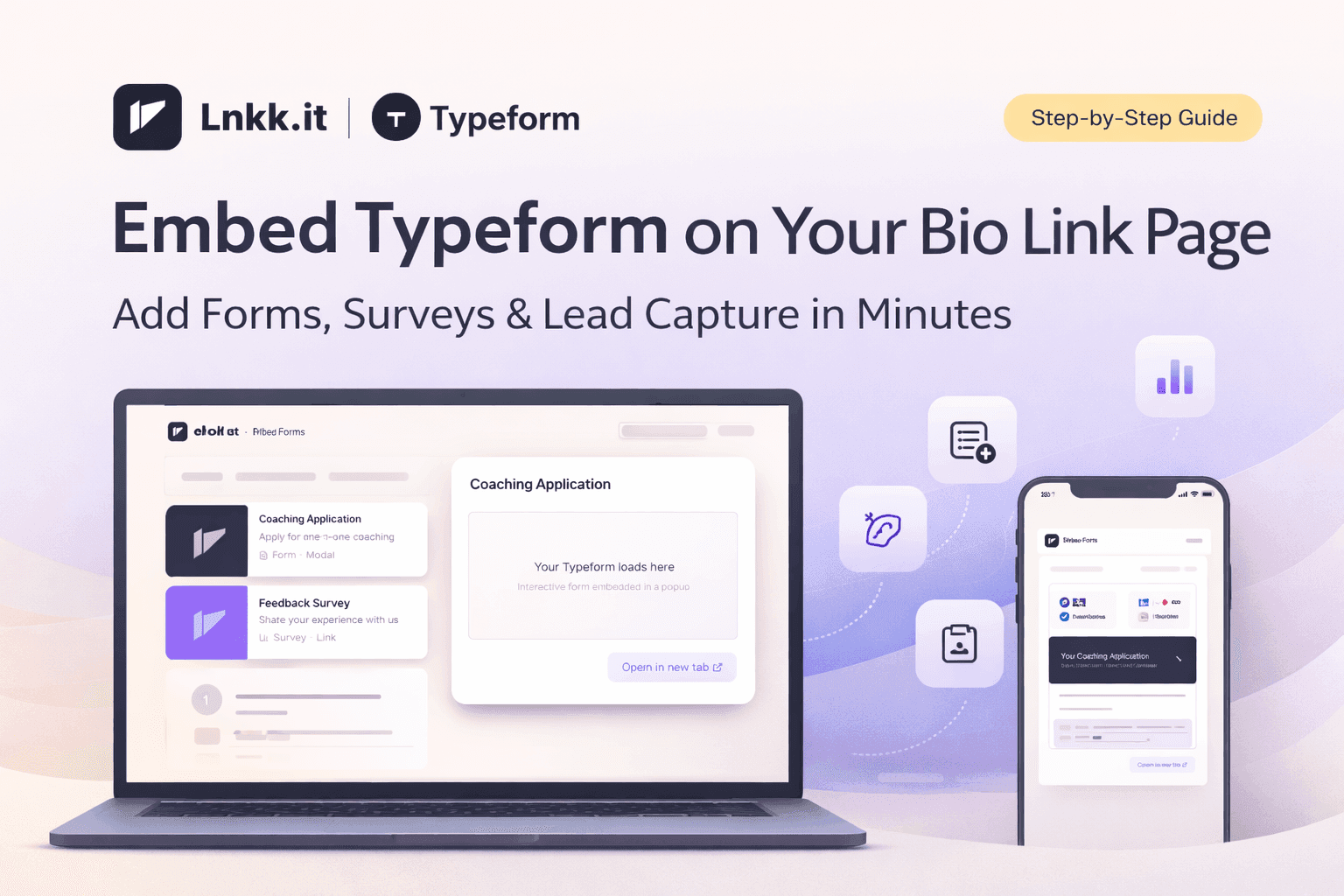
How to Embed Typeform on Your Bio Link Page (Step-by-Step Guide)
Learn how to embed Typeform surveys, quizzes, and application forms directly on your Lnkk.it bio page. Collect leads, feedback, and applications without visitors ever leaving your profile.
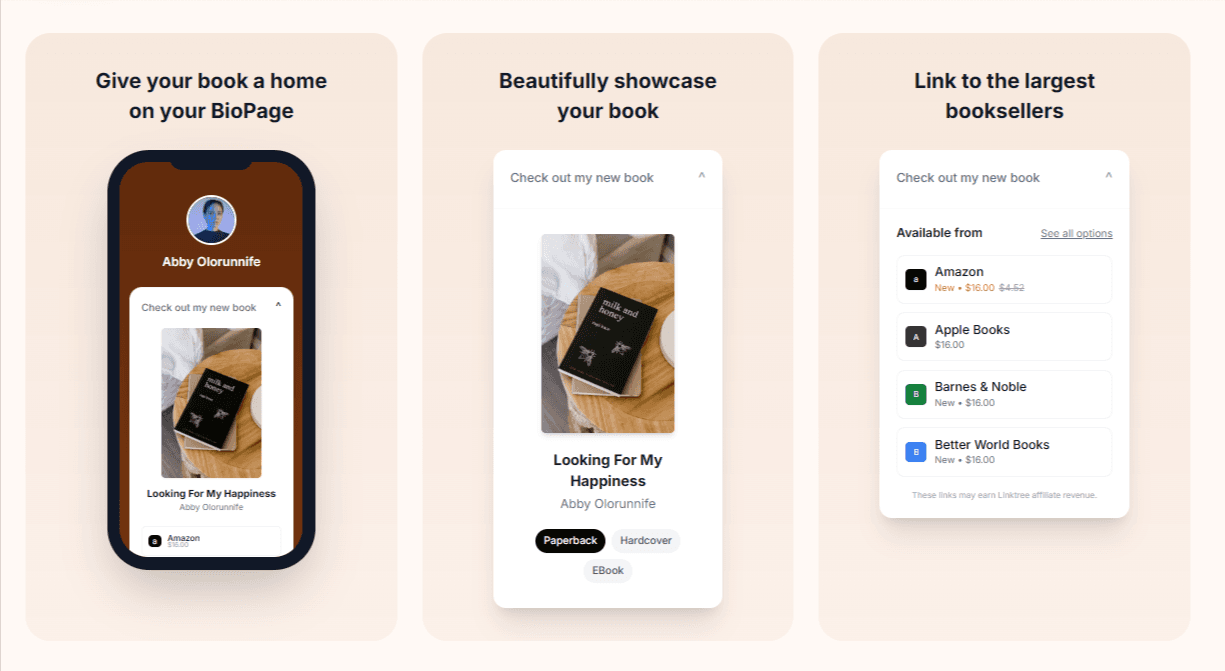
How to Add Books to Your Lnkk.it: The Complete Step-by-Step Guide for Authors
Learn exactly how to add your books to Lnkk.it with this complete step-by-step guide. Display beautiful covers, link to multiple retailers, and give readers the buying experience they want.