How to Embed Typeform on Your Bio Link Page (Step-by-Step Guide)

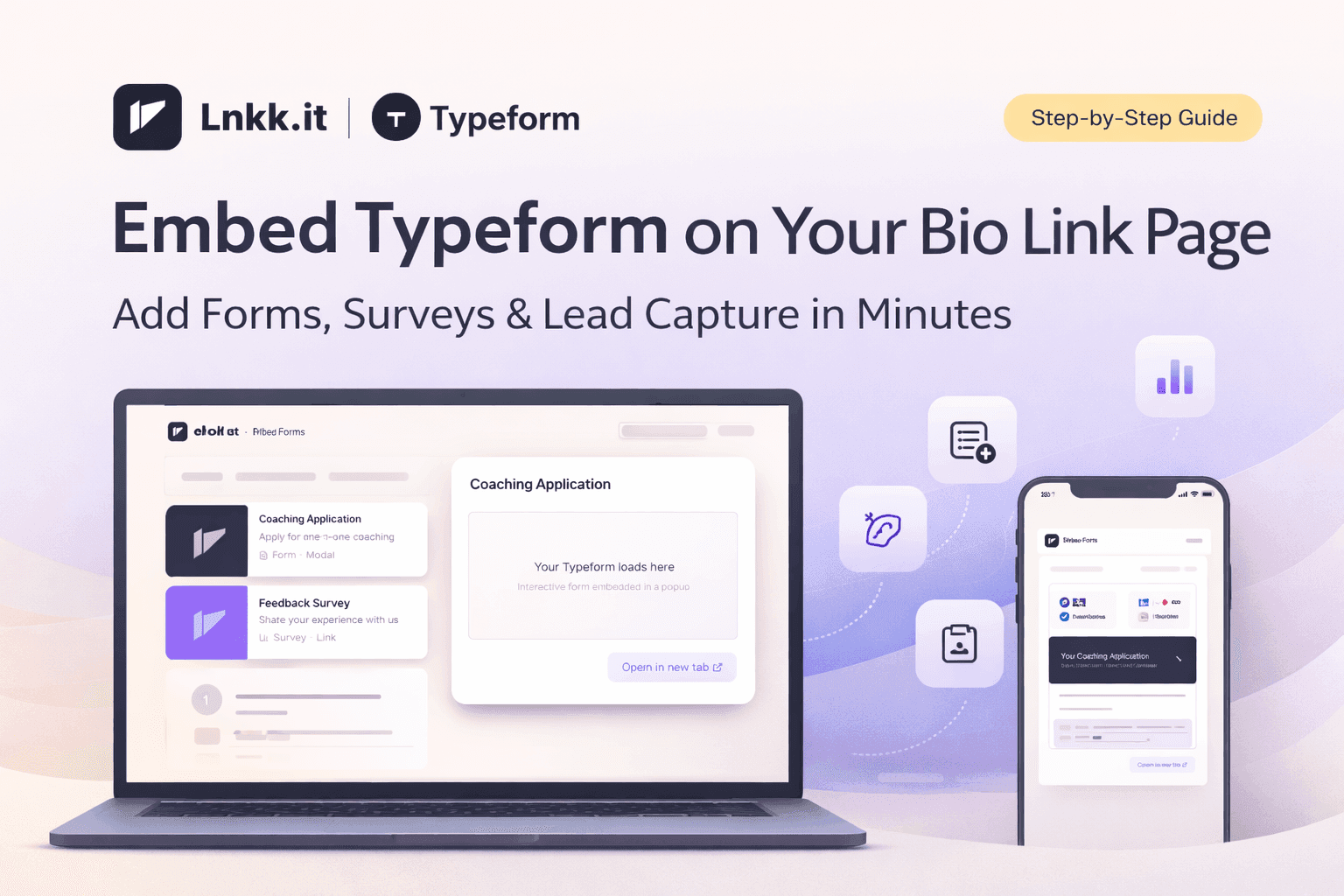
If you're a creator, coach, or business owner, chances are you already use Typeform to collect applications, run surveys, or gather feedback. But what if your audience could fill out your forms without ever leaving your bio link page?
With Lnkk.it's new Typeform integration, you can embed any Typeform directly on your profile — as a sleek popup modal or a simple link. Here's exactly how to set it up in under 2 minutes.
Why Embed Typeform on Your Bio Page?
Most creators share their Typeform link in their bio or stories, but that sends visitors away to a separate page. Every extra click is a drop-off point. By embedding Typeform directly on your Lnkk.it page, you:
Reduce friction — visitors fill out your form without navigating away
Increase completion rates — the form opens instantly in a beautiful popup
Keep your audience on your page — they can explore more of your content after submitting
Look more professional — a seamless, branded experience
Step-by-Step: Adding Typeform to Your Lnkk.it
Step 1: Copy Your Typeform URL
Go to your Typeform dashboard and copy the share link for your form. It usually looks like this:
https://yourname.typeform.com/to/formId
Any Typeform URL format works — whether it's a custom domain or the default typeform.com link.
Step 2: Open the Lnkk.it Editor
Head to your Lnkk.it Dashboard → Links section. Click the + Add button and select Typeform from the list of available platforms.
Step 3: Paste Your URL
Paste your Typeform URL into the field. Lnkk.it will automatically fetch the form title for you. You can customize the title if you want something different.
Step 4: Upload a Cover Image
Want your Typeform card to stand out? Upload a custom cover image that represents your form. This works especially well with the Featured layout, which displays your form as a large, eye-catching card with the image as background.
Step 5: Choose Your Display Mode
You have two options:
Popup Modal — The form opens in a beautiful, full-screen overlay right on your page. Your visitors never leave. This is the recommended option for maximum conversions.
Open in New Tab — The form opens in a separate browser tab. Good for longer forms or when you want the full Typeform experience.
Step 6: Pick a Layout
Classic — A compact card with thumbnail, title, and a click arrow. Clean and minimal.
Featured (PRO) — A large, hero-style card with your cover image, gradient overlay, and a "Form" badge. Perfect for highlighting your most important form.
Step 7: Save and You're Live!
Click Add Item and your Typeform is instantly live on your profile. Visitors will see it alongside your other links, products, and content.
Best Use Cases for Typeform on Your Bio Page
Coaching Applications — Let clients apply for your coaching program right from your bio
Feedback Surveys — Collect post-purchase or post-event feedback
Quiz Funnels — Engage visitors with a personality quiz or product recommendation quiz
Contact Forms — A more branded alternative to a plain email link
Waitlist Signups — Build hype for your next launch with a quick signup form
Job Applications — If you're hiring, let candidates apply directly
Pro Tips for Maximum Engagement
Use the Featured layout with a custom cover image to make your form unmissable
Choose the Modal display to keep visitors on your page
Write a compelling title — "Apply for 1:1 Coaching" converts better than "Form"
Add a category heading like "Applications" or "Surveys" to organize your forms
Place it strategically — put your most important form near the top of your links
Start Embedding Typeforms Today
The Typeform integration is available to all Lnkk.it users. The Featured layout is a PRO feature, but Classic layout and modal popups work on all plans.
Ready to add your first Typeform? Go to your Editor and try it now. Your audience will thank you for the seamless experience.
YOU MAY ALSO LIKE
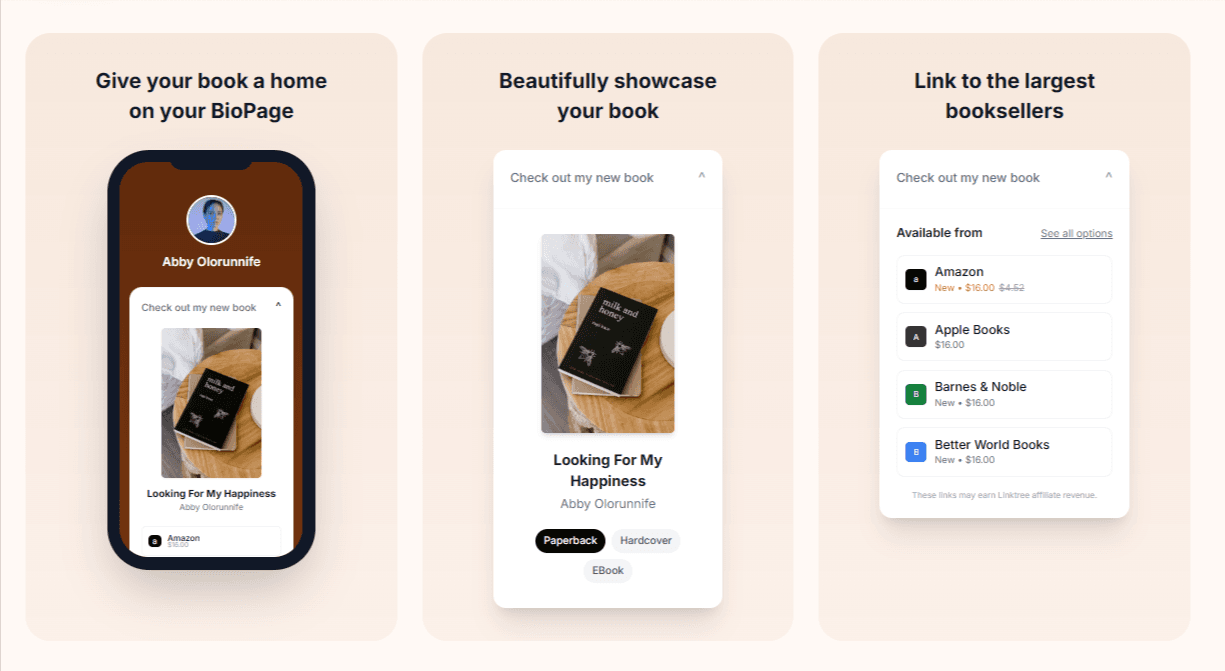
How to Add Books to Your Lnkk.it: The Complete Step-by-Step Guide for Authors
Learn exactly how to add your books to Lnkk.it with this complete step-by-step guide. Display beautiful covers, link to multiple retailers, and give readers the buying experience they want.
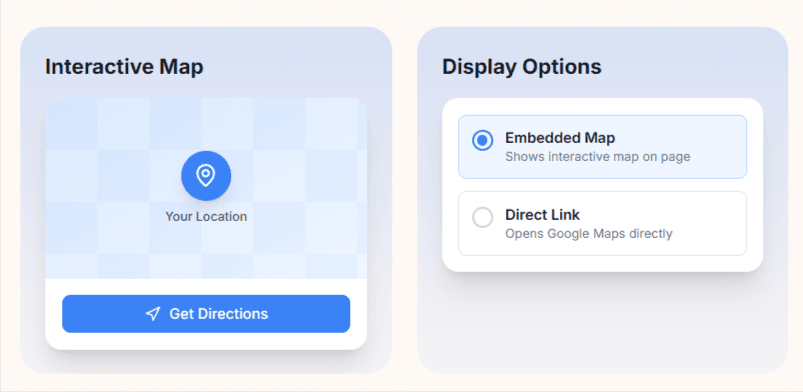
How to add a Google Maps link to your Lnkk.it