7 Creative Ways Creators Use Typeform on Their Bio Link Page

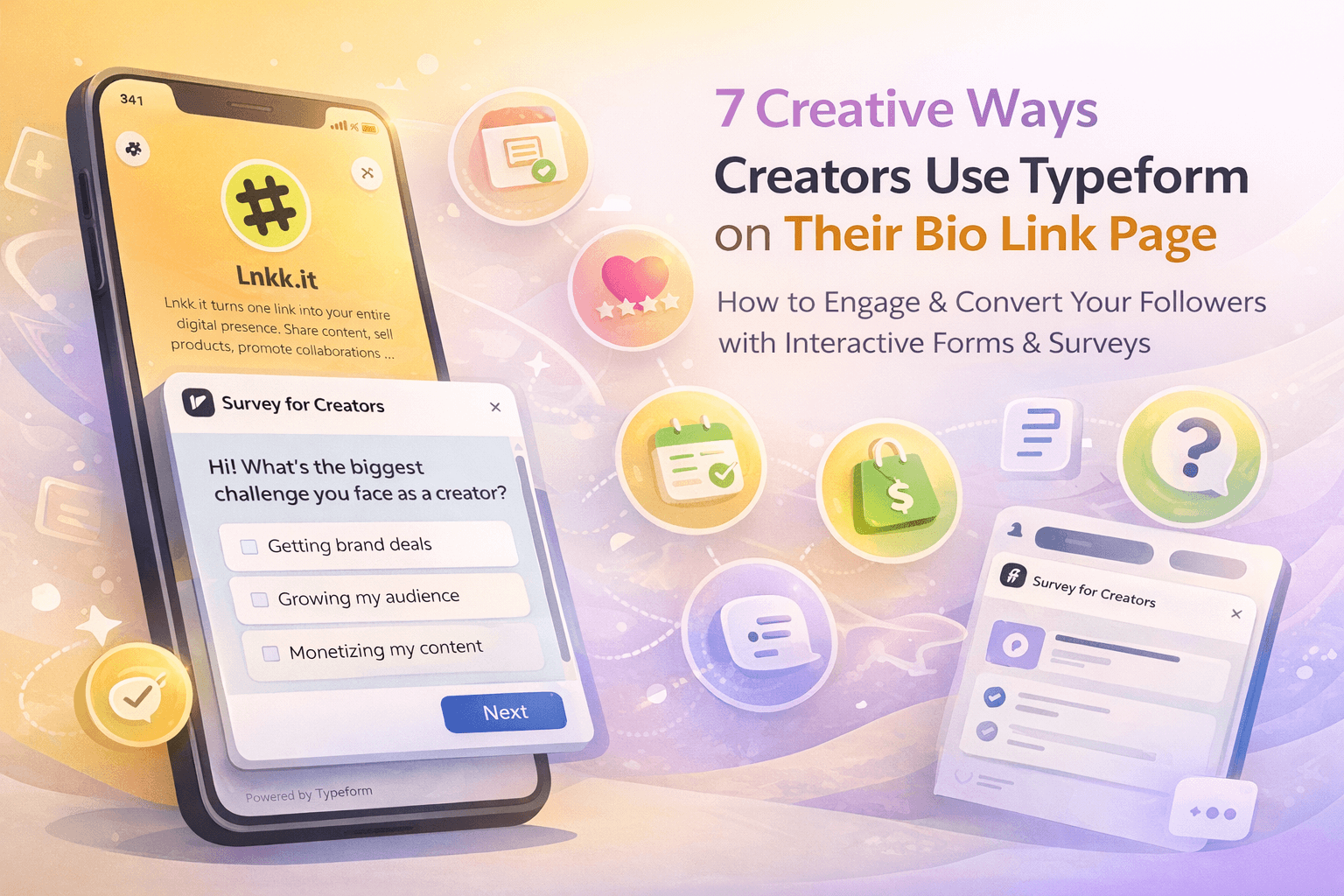
Your bio link page isn't just for links anymore. It's your digital storefront, portfolio, and now — your lead generation machine. With Typeform now available on Lnkk.it, creators are finding ingenious ways to turn passive profile visitors into active leads, clients, and community members.
Here are 7 creative ways real creators are using Typeform embeds on their bio link pages — and how you can steal these strategies.
1. Coaching & Consulting Applications
Who it's for: Coaches, mentors, consultants
Instead of sharing a separate application link in your Instagram stories (that disappears in 24 hours), embed your coaching application form directly on your bio page. It's always there, always accessible.
Pro tip: Use the Featured layout with a professional headshot or branded cover image. Title it something compelling like "Apply for 1:1 Coaching" rather than just "Application Form."
2. Quiz Funnels for Product Recommendations
Who it's for: E-commerce creators, beauty influencers, fitness coaches
Typeform's conversational format makes quizzes feel fun, not tedious. Create a "Find Your Perfect Routine" quiz for skincare, a "What's Your Fitness Level?" assessment, or a "Which Product Is Right for You?" recommendation engine.
When someone lands on your bio page, the quiz catches their eye, they engage with it, and you capture their email in the process. It's lead generation disguised as entertainment.
Pro tip: Use the Modal popup display mode so the quiz opens like an interactive experience right on your page.
3. Event Registration & RSVPs
Who it's for: Event hosts, workshop creators, community builders
Running a free workshop, live Q&A, or community meetup? Instead of linking out to an Eventbrite or Google Form, embed your registration Typeform on your bio page. Visitors can RSVP in seconds without leaving your profile.
Combine this with Lnkk.it's Events feature for a complete event promotion setup — the event card shows the details, and the Typeform collects the registrations.
4. Post-Purchase Feedback Surveys
Who it's for: Digital product sellers, course creators, service providers
After someone buys your course, ebook, or service, you want to know how they found you and what they think. Add a Typeform feedback survey to your bio page with a title like "Tell Us About Your Experience" or "Help Us Improve."
This works particularly well because your bio page is a URL your customers already know — they see it every time they visit your socials.
5. Collaboration & Brand Deal Inquiries
Who it's for: Influencers, content creators, artists
Tired of brands sliding into your DMs with vague partnership requests? Create a professional Typeform with questions like budget range, campaign timeline, deliverables, and content type. Embed it on your bio page under a category like "For Brands" or "Collaborations."
This filters out low-quality inquiries and makes you look more professional to potential brand partners.
Pro tip: Place this as a Classic layout card — it should be accessible but not the main focus of your page.
6. Newsletter Signup with Personality
Who it's for: Writers, thought leaders, niche creators
A plain "Subscribe to my newsletter" box gets ignored. But a Typeform that asks "What topics interest you most?" or "How often do you want to hear from me?" turns a boring signup into an engaging conversation.
You get richer subscriber data, and your audience feels heard before they even receive their first email. It's a win-win.
7. Hiring & Team Applications
Who it's for: Growing creators, small business owners, agency founders
Scaling your team? Whether you're looking for a virtual assistant, video editor, or community manager, embed your job application form right on your bio page. Your ideal candidate is probably already following you — make it easy for them to apply.
Title it "Join the Team" and use the Featured layout to make it pop. You'll be surprised how many qualified applicants come from your own audience.
Getting Started
Adding Typeform to your Lnkk.it page takes less than 2 minutes:
Go to your Dashboard → Editor
Click + Add and select Typeform
Paste your Typeform URL
Upload a cover image and choose your layout
Save — and start collecting responses!
The Typeform integration supports both Classic and Featured card layouts, modal popups and new-tab links, custom cover images, and auto-detection of your form title.
Which of these 7 strategies will you try first? Head to your Lnkk.it Editor and add your first Typeform today.
YOU MAY ALSO LIKE

Turn Profile Visitors Into Loyal Subscribers With Lnkk.it's Built-In Subscribe Feature
Your link-in-bio page gets traffic every day — but how many of those visitors actually stay? Lnkk.it's Subscribe feature lets you capture emails directly from your profile, build a loyal audience, and engage them with branded welcome emails. Here's how to set it up and why it matters.
Stop Repeating Yourself: The Ultimate Guide to the Lnkk.it FAQs App
Imagine reclaiming 5 hours of your week by automating answers to your most common DMs. The Lnkk.it FAQs App builds trust, saves time, and organizes your info beautifully.

Build a Personal Brand That Actually Stands Out in 2026: The Complete Playbook
In a world of 10,000 daily brand messages, standing out requires strategy. Learn how to define your unique value, build visual identity, and create a personal brand that opens doors.